imagiCharm starter pack
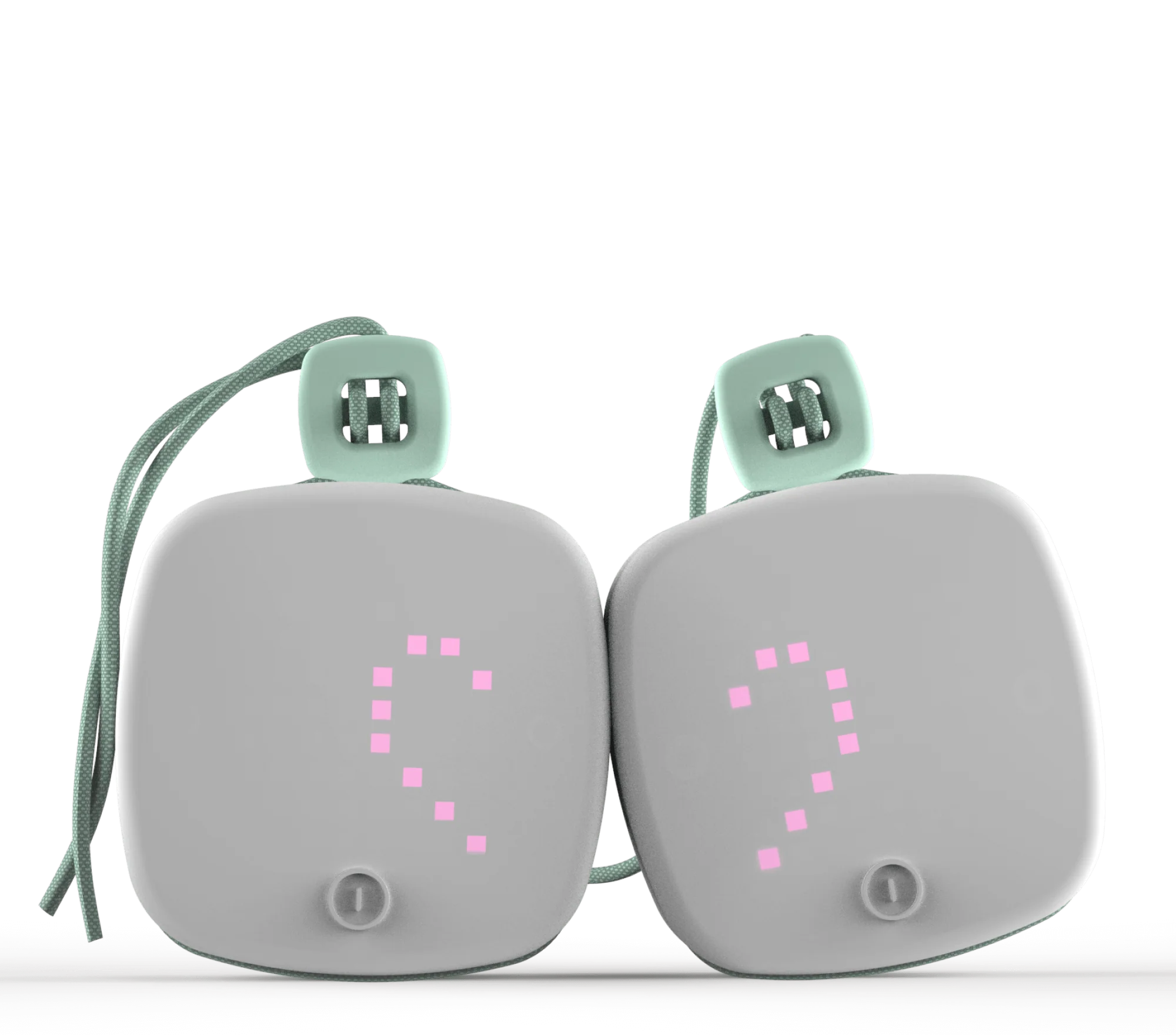
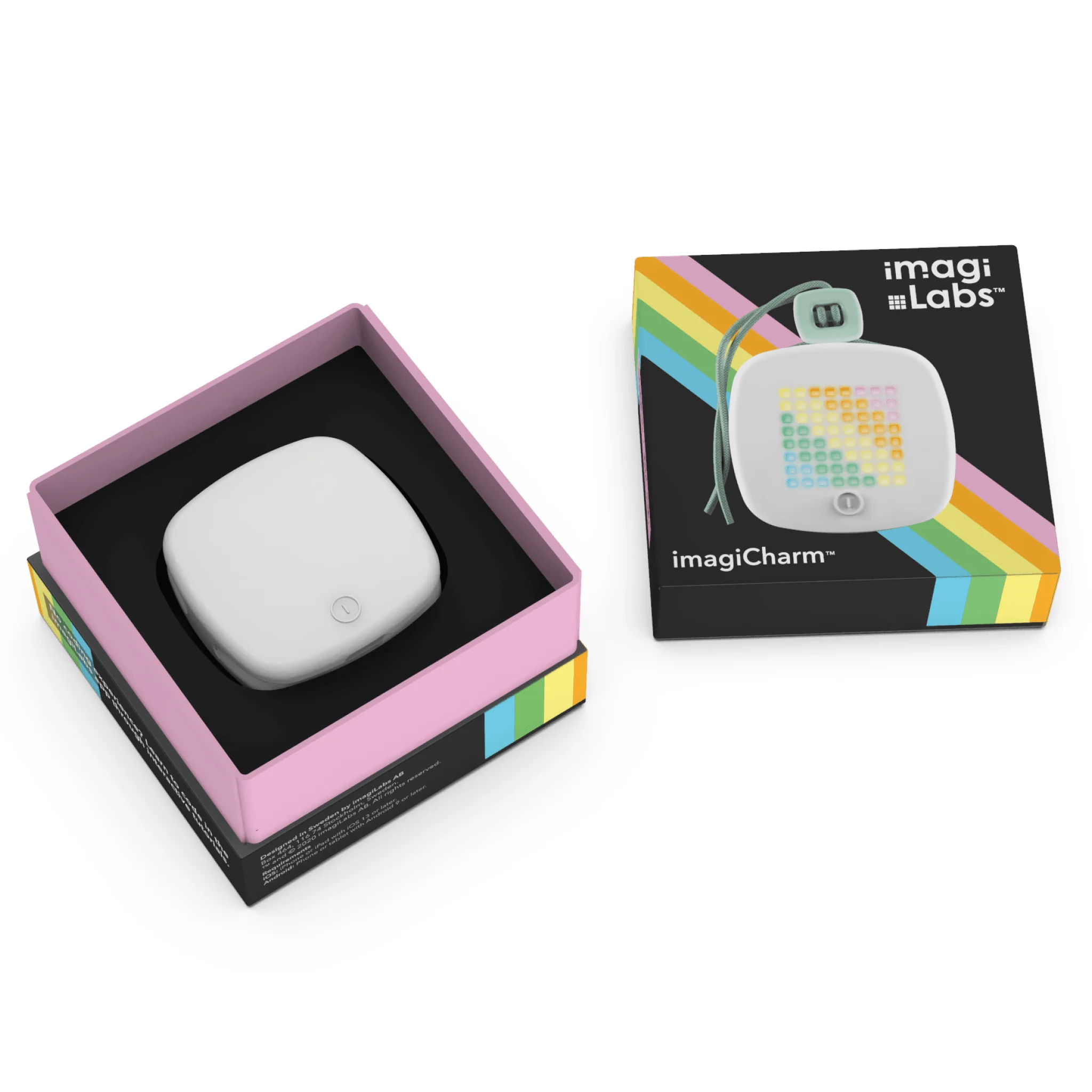
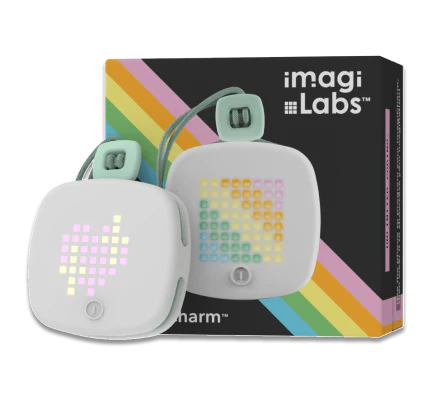
The imagiCharm is a programmable device that brings creative projects and designs coded in Python to life. With its 64 colorful LED lights and durable make, it can be used as a powerful way to make learning how to code more creative, tangible, and fun. The imagiCharm connects via Bluetooth with the imagi Edu (https://edu.imagilabs.com/?utm_source=starter_pack_product_page&utm_medium=imagilabs_com&utm_campaign=imagiCharm_products) platform for schools or the imagi coding game for iPhone and iPad (https://imagi.app.link/GrEuLPsqcgb) for at-home use.
The imagiCharm starter pack includes 1 imagiCharm that can be used to try with a few students before purchasing a class set or as a gift for kids learning to code at home.
💻 TEACH with imagiCharms
Increase engagement, check for understanding, and encourage collaboration amongst students as they learn Python with the imagi Edu (https://edu.imagilabs.com/?utm_source=starter_pack_product_page&utm_medium=imagilabs_com&utm_campaign=imagiCharm_products) curriculum and platform in the classroom.
📱 LEARN with imagiCharms
Give your child an opportunity to learn programming in Python at home using the imagi coding game (https://imagi.app.link/GrEuLPsqcgb) . Your child can upload projects to the imagiCharm and share their designs proudly with family and friends.
The imagiCharm comes with:
-string and bead
-USB charging cable
Requirements
imagi Edu (school use)
The imagiCharm connects via Bluetooth with our imagi Edu (https://edu.imagilabs.com/?utm_source=starter_pack_product_page&utm_medium=imagilabs_com&utm_campaign=imagiCharm_products) platform, which is designed for use on Chromebooks, tablets (iOS and Android), and other internet-connected laptops. You can access imagi Edu (https://edu.imagilabs.com/?utm_source=starter_pack_product_page&utm_medium=imagilabs_com&utm_campaign=imagiCharm_products) via a web browser or by downloading the app in the App Store (https://apps.apple.com/us/app/imagi-edu/id1611319540?utm_source=starter_pack_product_page&utm_medium=imagilabs_com&utm_campaign=imagiCharm_products) or Google Play (https://imagi.app.link/NoQr69zqcgb) .
imagi coding game for iPhone and iPad (at home use)
The imagiCharm also connects to the imagi coding game for iPhone and iPad (https://imagi.app.link/GrEuLPsqcgb) . iPhone and iPad devices must have OS version 13.0 or higher. You can find a full list of compatible iPhone and iPad devices here (https://www.apple.com/lae/ios/ios-17/) and read more about how to identify your iPhone or iPad model.
Please contact our team if you have any questions: support@imagilabs.com (mailto:support@imagilabs.com)
The imagiCharm is a programmable device that brings creative projects and designs coded in Python to life. With its 64 colorful LED lights and durable make, it can be used as a powerful way to make learning how to code more creative, tangible, and fun. The imagiCharm connects via Bluetooth with the imagi Edu (https://edu.imagilabs.com/?utm_source=starter_pack_product_page&utm_medium=imagilabs_com&utm_campaign=imagiCharm_products) platform for schools or the imagi coding game for iPhone and iPad (https://imagi.app.link/GrEuLPsqcgb) for at-home use.
The imagiCharm starter pack includes 1 imagiCharm that can be used to try with a few students before purchasing a class set or as a gift for kids learning to code at home.
💻 TEACH with imagiCharms
Increase engagement, check for understanding, and encourage collaboration amongst students as they learn Python with the imagi Edu (https://edu.imagilabs.com/?utm_source=starter_pack_product_page&utm_medium=imagilabs_com&utm_campaign=imagiCharm_products) curriculum and platform in the classroom.
📱 LEARN with imagiCharms
Give your child an opportunity to learn programming in Python at home using the imagi coding game (https://imagi.app.link/GrEuLPsqcgb) . Your child can upload projects to the imagiCharm and share their designs proudly with family and friends.
The imagiCharm comes with:
-string and bead
-USB charging cable
Requirements
imagi Edu (school use)
The imagiCharm connects via Bluetooth with our imagi Edu (https://edu.imagilabs.com/?utm_source=starter_pack_product_page&utm_medium=imagilabs_com&utm_campaign=imagiCharm_products) platform, which is designed for use on Chromebooks, tablets (iOS and Android), and other internet-connected laptops. You can access imagi Edu (https://edu.imagilabs.com/?utm_source=starter_pack_product_page&utm_medium=imagilabs_com&utm_campaign=imagiCharm_products) via a web browser or by downloading the app in the App Store (https://apps.apple.com/us/app/imagi-edu/id1611319540?utm_source=starter_pack_product_page&utm_medium=imagilabs_com&utm_campaign=imagiCharm_products) or Google Play (https://imagi.app.link/NoQr69zqcgb) .
imagi coding game for iPhone and iPad (at home use)
The imagiCharm also connects to the imagi coding game for iPhone and iPad (https://imagi.app.link/GrEuLPsqcgb) . iPhone and iPad devices must have OS version 13.0 or higher. You can find a full list of compatible iPhone and iPad devices here (https://www.apple.com/lae/ios/ios-17/) and read more about how to identify your iPhone or iPad model.
Please contact our team if you have any questions: support@imagilabs.com (mailto:support@imagilabs.com)Original: $12.38
-70%$12.38
$3.71Description
The imagiCharm is a programmable device that brings creative projects and designs coded in Python to life. With its 64 colorful LED lights and durable make, it can be used as a powerful way to make learning how to code more creative, tangible, and fun. The imagiCharm connects via Bluetooth with the imagi Edu (https://edu.imagilabs.com/?utm_source=starter_pack_product_page&utm_medium=imagilabs_com&utm_campaign=imagiCharm_products) platform for schools or the imagi coding game for iPhone and iPad (https://imagi.app.link/GrEuLPsqcgb) for at-home use.
The imagiCharm starter pack includes 1 imagiCharm that can be used to try with a few students before purchasing a class set or as a gift for kids learning to code at home.
💻 TEACH with imagiCharms
Increase engagement, check for understanding, and encourage collaboration amongst students as they learn Python with the imagi Edu (https://edu.imagilabs.com/?utm_source=starter_pack_product_page&utm_medium=imagilabs_com&utm_campaign=imagiCharm_products) curriculum and platform in the classroom.
📱 LEARN with imagiCharms
Give your child an opportunity to learn programming in Python at home using the imagi coding game (https://imagi.app.link/GrEuLPsqcgb) . Your child can upload projects to the imagiCharm and share their designs proudly with family and friends.
The imagiCharm comes with:
-string and bead
-USB charging cable
Requirements
imagi Edu (school use)
The imagiCharm connects via Bluetooth with our imagi Edu (https://edu.imagilabs.com/?utm_source=starter_pack_product_page&utm_medium=imagilabs_com&utm_campaign=imagiCharm_products) platform, which is designed for use on Chromebooks, tablets (iOS and Android), and other internet-connected laptops. You can access imagi Edu (https://edu.imagilabs.com/?utm_source=starter_pack_product_page&utm_medium=imagilabs_com&utm_campaign=imagiCharm_products) via a web browser or by downloading the app in the App Store (https://apps.apple.com/us/app/imagi-edu/id1611319540?utm_source=starter_pack_product_page&utm_medium=imagilabs_com&utm_campaign=imagiCharm_products) or Google Play (https://imagi.app.link/NoQr69zqcgb) .
imagi coding game for iPhone and iPad (at home use)
The imagiCharm also connects to the imagi coding game for iPhone and iPad (https://imagi.app.link/GrEuLPsqcgb) . iPhone and iPad devices must have OS version 13.0 or higher. You can find a full list of compatible iPhone and iPad devices here (https://www.apple.com/lae/ios/ios-17/) and read more about how to identify your iPhone or iPad model.
Please contact our team if you have any questions: support@imagilabs.com (mailto:support@imagilabs.com)